Your passwords.Your control.
An encrypted Android vault for your logins, bank accounts and cards.
Self Vault
Your vault is locked
- Email accounts
- Bank accounts
- Debit cards
- Social logins
- Credit cards
- Wi-Fi passwords
- Work tools
- IFSC codes
- Streaming services
- Shopping sites
- Gaming accounts
- Private notes
Everything sensitive, in one place.
Logins, bank accounts, cards and the notes that go with them. Masked by default, one tap away when you need them.
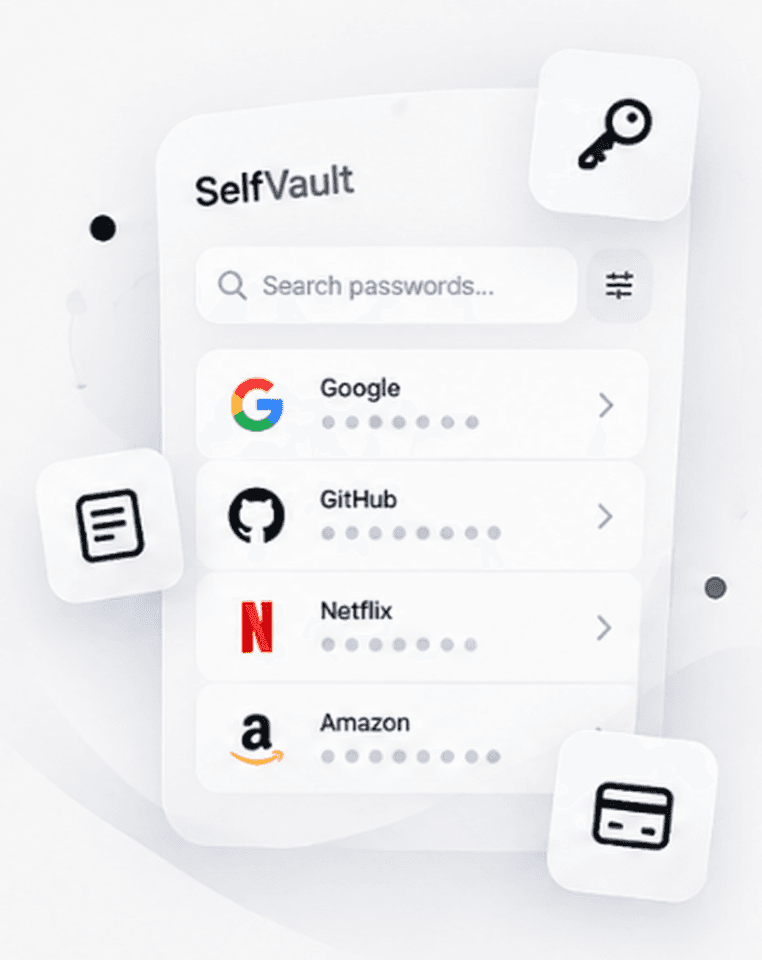
Passwords, organised and searchable
Every login gets its service icon, username and notes. Find any account in a couple of keystrokes.
Bank accounts and cards
Account numbers, IFSC, card numbers and CVV stay masked until you reveal them. Copy any field in one tap.
Unlock with a touch
Fingerprint or face unlock, with your master password as the fallback.
Clipboard that cleans up
Copied secrets are wiped from the clipboard after 30 seconds.
Back up and restore
Keep an encrypted backup in your own Google account. Switch phones and restore with your master password.
- Encrypted on this phone
- Saved to your own account
- Ready to restore on a new phone
Locked on your phone before it goes anywhere.
Self Vault is built so that only you can open your vault. Not us, and not anyone else.
Layer 1: Only you hold the key
Your master password is never stored or sent anywhere. Nobody else can open your vault.
Layer 2: Encrypted on your phone
Everything you save is protected with strong encryption before it is stored or backed up.
Layer 3: Unlock with a touch
Use your fingerprint or face instead of typing your password every time.
Layer 4: Ready when you switch phones
Restore your encrypted backup on a new phone with your master password.
Three steps to a locked vault.
No setup guides, no browser extensions. Watch the first minute in the app, tap by tap.
Your Passwords,
Always Secure
Store, manage, and access your passwords safely.
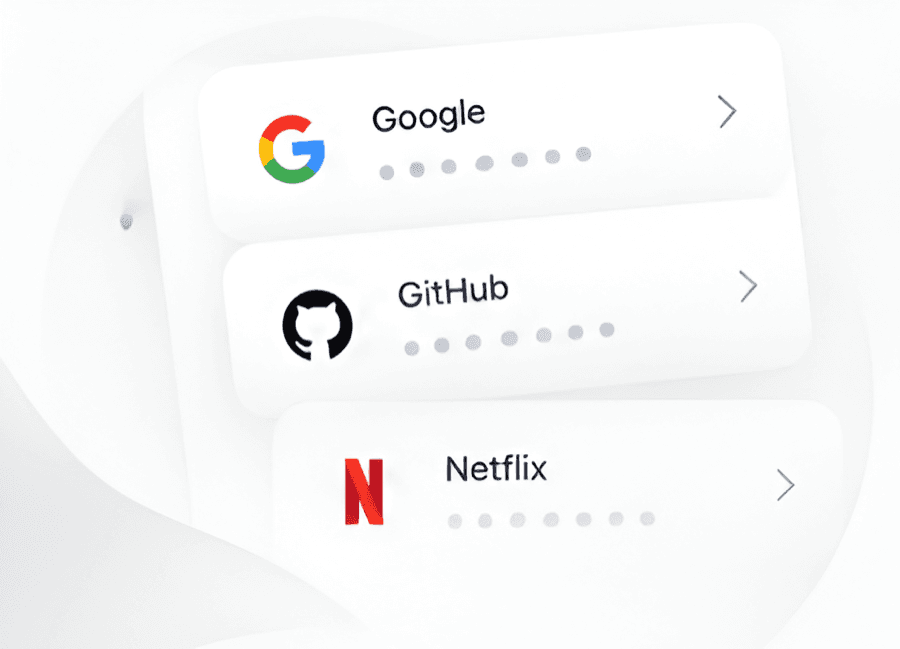
Your Google account links your vault to you and keeps encrypted backups in your own account.
- Tap Continue with Google
- Choose your Google account
- Your vault is linked to it
Free to start. Premium when you need more.
Every plan gets the same encryption. Premium adds higher limits and removes ads.
Free
For getting your important logins in one place.
- Encrypted vault for passwords, bank accounts and cards
- Fingerprint and face unlock
- Encrypted backup to your own account
- Free plan limits on entries and backups
Premium
Billed through Google Play. Current prices are shown in the app and on Google Play.
- Everything in Free
- Higher limits on passwords, bank accounts and backups
- No ads, anywhere in the app
- Monthly, half-yearly or yearly billing
Upgrade from the Subscription screen in the app. Manage or cancel any time in Google Play.
Questions, answered.
In an encrypted vault on your phone. If you turn on backup, an encrypted copy is saved in your own Google account. It cannot be read without your master password.
Take your passwords back.
Install Self Vault, set your master password and save your first login in a few minutes.